Live demo · Ember & Oak
Turn every table into a self-order counter
Guests scan, order and track from their phone. The kitchen sees it instantly. Cashiers close the bill in one tap. No app to install.
- No app
- guests just scan
- 3 sec
- kitchen refresh
- 3 roles
- admin · cashier · kitchen
- EN · ID
- bilingual, every screen
Ember & Oak
Table 5
Tap around — add something to the cart and place an order. Then open the kitchen display.
How it works
One system for guests, kitchen and front of house.
- 1
Scan the table QR
- 2
Order from the phone
- 3
Kitchen cooks & updates status
- 4
Guest tracks the order live
- 5
Cashier marks it paid
Admin & cashier · Kitchen display
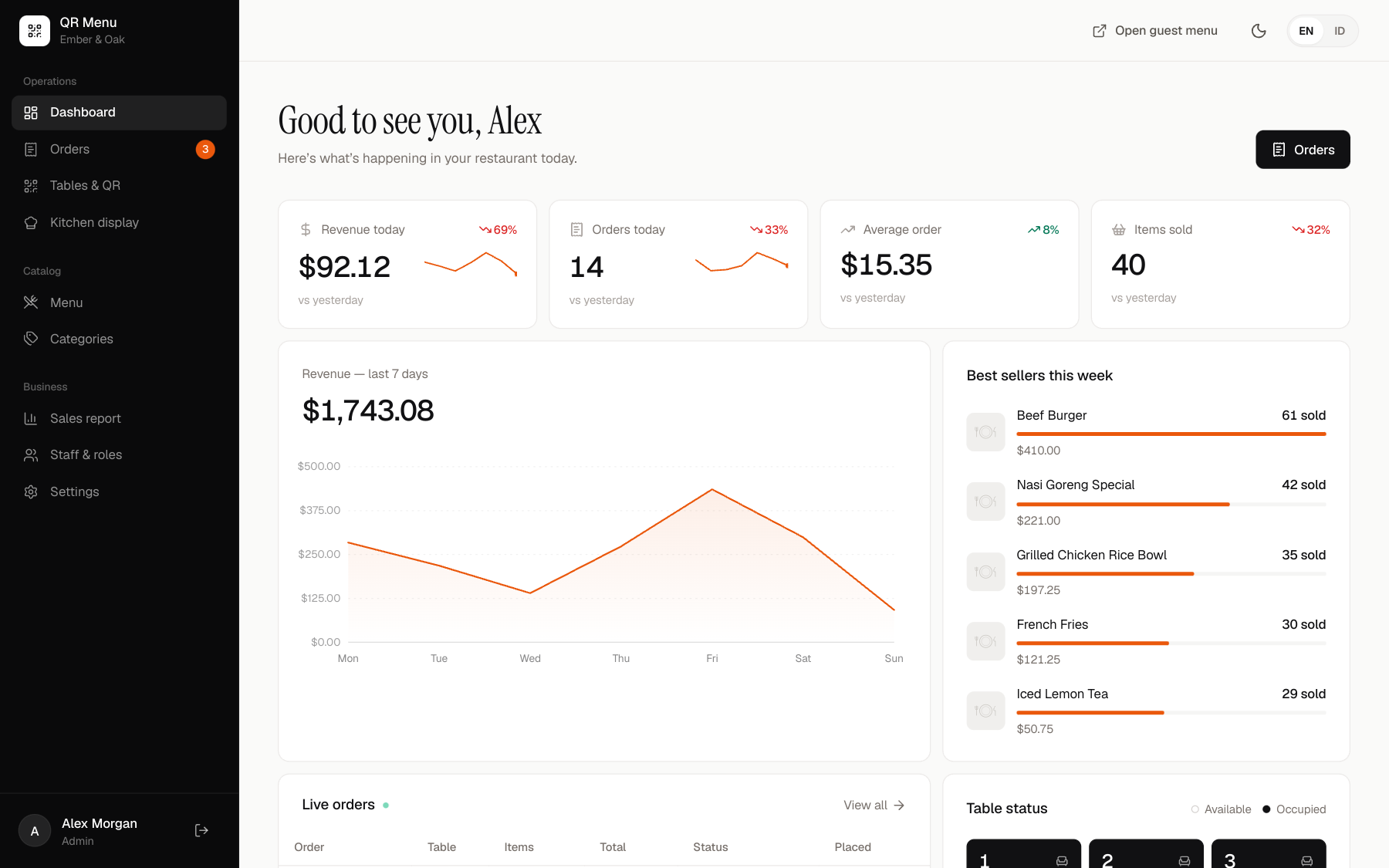
Every screen your restaurant needs
Revenue, live orders, table status, payments and reports.
What’s inside
QR per table
Auto-detects the table. Print or download branded QR cards.
Smart menu
Variants, add-ons, sold-out, tags and special notes.
Real-time kitchen
New / Preparing / Ready columns with sound alerts.
Cashier & payments
Cash, card, QRIS or transfer — table status updates itself.
Sales reports
Daily revenue, best sellers, busy hours, CSV export.
Bilingual
English and Indonesian on every screen, errors included.